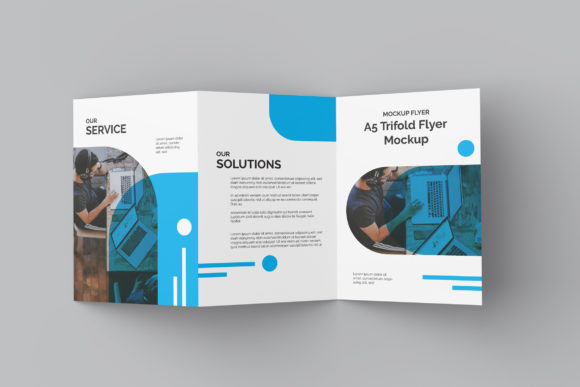
A5 Trifold Flyer Mockup: Why Realistic Presentation Matters for Your Design Success
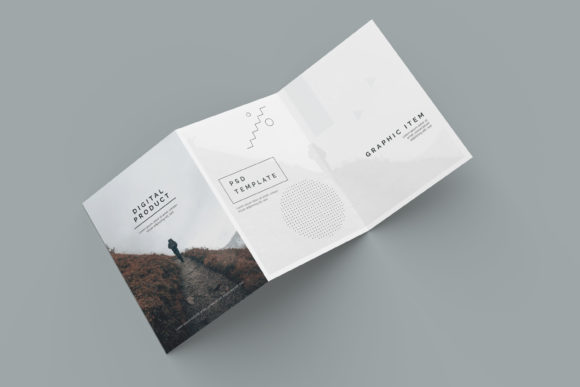
When you spend hours perfecting the typography, color palette, and layout of a marketing asset, the final presentation can make or break its impact. This is where an A5 Trifold Flyer Mockup becomes an indispensable tool in your creative workflow. It is not merely a file; it is a bridge between your digital design and the physical reality of how clients, employers, or customers will perceive it. By showcasing your work in a realistic 3D display, you provide context that flat images simply cannot convey.
Many designers, particularly those new to the field or those working under tight deadlines, often overlook the importance of high-fidelity mockups. They might assume that a clean PNG export is sufficient for a portfolio or client pitch. However, this assumption frequently leads to misunderstandings about scale, texture, and overall professionalism. A well-chosen mockup helps stakeholders visualize the end product, reducing revision cycles and increasing confidence in your design capabilities.
The Hidden Value of Smart Objects in Workflow Efficiency
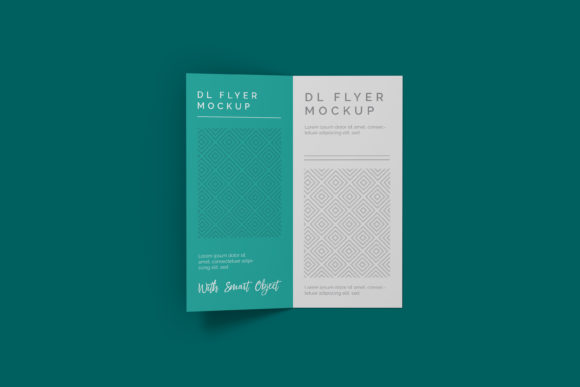
One of the most significant advantages of modern PSD-based mockups is the integration of smart-object features. For beginners, navigating Photoshop can be daunting, but smart objects simplify the process significantly. Instead of manually resizing, warping, and masking your design onto a complex background, you simply double-click the smart object layer, paste your design, and save. The software handles the rest, ensuring your artwork fits perfectly with natural lighting, shadows, and perspective.
This efficiency is crucial for professionals who need to deliver multiple variations quickly. Whether you are testing different headlines for an A/B campaign or creating assets for various small business owners, the ability to swap designs within seconds saves valuable time. However, relying on these tools requires a basic understanding of layer management. If you accidentally flatten the layers before saving the smart object, you may lose the flexibility that makes the template so useful. Always keep your original PSD files organized and backed up to avoid unnecessary frustration later.
Common Pitfalls When Selecting and Using Mockups
While the benefits are clear, there are several common mistakes that can undermine the effectiveness of your presentations. Understanding these pitfalls allows you to make more informed decisions when choosing and applying an A5 Trifold Flyer Mockup.
Misjudging Resolution and Print Quality
A frequent error is assuming that all mockup files are created equal regarding resolution. Some free resources offer low-resolution images that look pixelated when zoomed in or printed. To ensure your design looks crisp, verify that the mockup supports at least 300 dpi. The specific dimensions mentioned in our resource, such as 3000x2000 px, provide ample detail for both screen viewing and high-quality print proofs. Using a low-res mockup can inadvertently signal a lack of attention to detail, which is detrimental when trying to secure high-paying freelance contracts or corporate clients.
Neglecting Background Customization
Another overlooked aspect is the versatility of the background. A static, cluttered background can distract from your design rather than highlighting it. Look for mockups that offer changeable background colors or transparent options. This feature allows you to place your flyer against a neutral backdrop for a portfolio piece or a vibrant environment for social media promotion. Being able to control the context ensures that your message remains the focal point, enhancing communication clarity for your audience.
Ignoring Format Compatibility
Not all design teams use Adobe Photoshop. If you are collaborating with developers or marketers who prefer vector formats or simpler editing tools, a strictly PSD-based workflow might create friction. While the A5 Trifold Flyer Mockup described here is optimized for Photoshop’s advanced smart-object features, it is worth considering whether your team has access to the necessary software. If Photoshop is unavailable, you might need to explore alternative formats or invest in training to expand your skill set. Additionally, always check if a help guide, such as a PDF instruction manual, is included. Clear documentation can prevent errors during the initial setup phase.
Evaluating What You Are Downloading
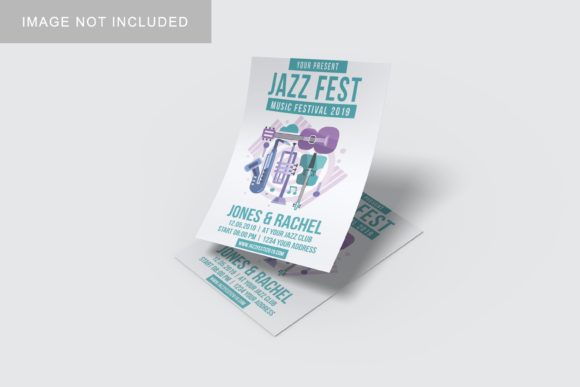
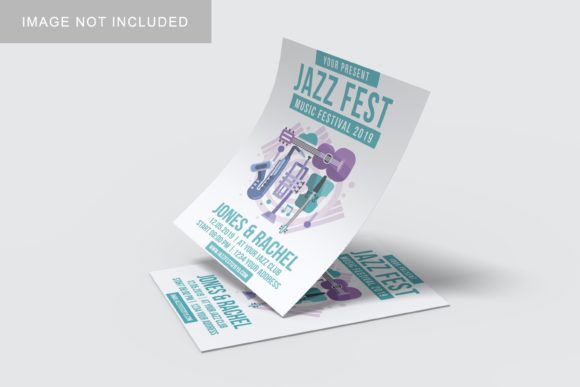
Before committing to a download or purchase, it is essential to scrutinize what is actually included in the package. A common source of disappointment is discovering that the preview images used in the listing do not reflect the editable content. For instance, the photos used in the preview are often for illustration purposes only and are not included in the download. This distinction is critical for legal and ethical reasons, as using copyrighted imagery without permission can lead to serious issues.
To avoid this, carefully read the item description. Ensure that the mockup includes editable layers for the paper texture, folds, and shadows. Check the file size and format compatibility. If the package claims to be easy to use, look for evidence of user-friendly layer naming conventions. Well-organized files indicate that the creator has thought about the user experience, making the learning curve much gentler for hobbyists and educators alike.
Best Practices for Professional Presentation
Once you have selected the right A5 Trifold Flyer Mockup, how you present your work matters just as much as the design itself. Here are some practical tips to enhance your output:
- Lighting Consistency: Ensure that the lighting in your mockup matches the intended environment. A flyer placed on a desk should have shadows consistent with overhead office lighting, while one on grass should reflect natural sunlight.
- Realistic Scaling: An A5 trifold has specific proportions. Make sure your design elements do not get cut off by the folds. Use guides or rulers in your design software to account for bleed areas and fold lines before exporting to the mockup.
- Contextual Storytelling: Use the mockup to tell a story. Show the flyer being held by a hand, lying next to a coffee cup, or displayed on a counter. These contextual cues help viewers imagine themselves using the product, which is a powerful psychological trigger for engagement.
By avoiding common technical errors and focusing on realistic, high-quality presentations, you elevate your status from a mere designer to a strategic partner. Clients appreciate when you anticipate their needs and deliver assets that are ready for real-world application. The A5 Trifold Flyer Mockup is more than just a visual aid; it is a testament to your professionalism and attention to detail.
Whether you are a freelancer pitching to a new client, a blogger sharing design tips, or a small business owner launching a local campaign, investing time in proper mockup usage pays dividends. It reduces ambiguity, enhances perceived value, and ultimately leads to greater satisfaction for both you and your audience. Take the time to master the smart-object features, respect copyright guidelines, and choose resolutions that match your quality standards. In doing so, you ensure that your hard work is seen and appreciated exactly as you intended.