Flyer Mockup V3: Professional 3D Presentation for Designers
Presenting your creative work is often just as critical as the design itself. A stunning flyer layout can lose its impact if displayed on a flat, sterile white background that fails to convey scale, texture, or context. This is where Flyer Mockup V3 steps in as an essential tool for professionals who need to showcase their work with authenticity and polish. Designed specifically for designers, entrepreneurs, and content creators, this mockup transforms flat digital files into realistic, three-dimensional presentations that capture attention immediately.
The core value of Flyer Mockup V3 lies in its ability to bridge the gap between digital creation and physical perception. In a market saturated with visual content, clients and audiences respond to designs that feel tangible. By utilizing this PSD Photoshop format, you are not just submitting a file; you are presenting a finished product. The mockup allows you to replace the current designs with your own within seconds using smart-object features, ensuring that your workflow remains efficient even when deadlines are tight.
Visual Characteristics and Realistic Appeal
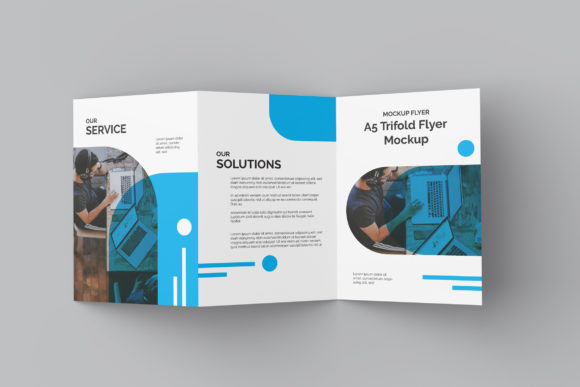
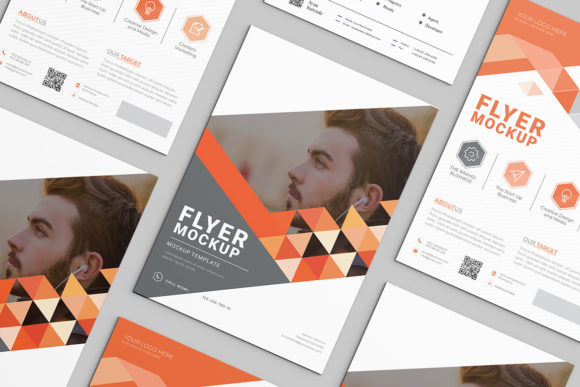
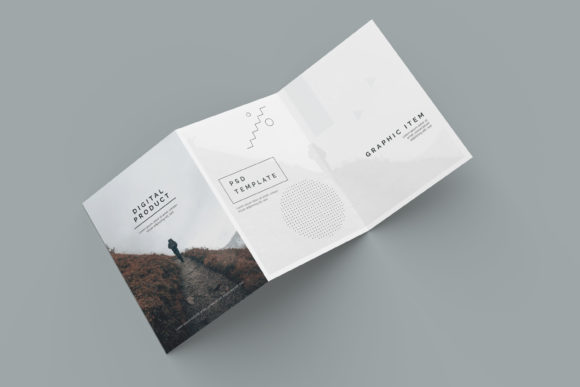
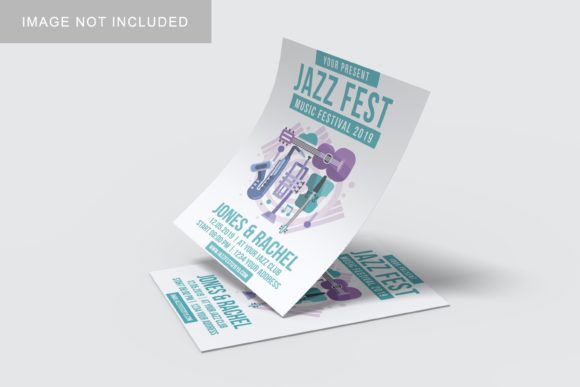
What sets Flyer Mockup V3 apart from generic templates is its commitment to realism. The 3000x2000 px resolution at 300 dpi ensures that every detail is crisp enough for high-resolution printing or large-screen digital display. The visual style is clean and modern, offering a neutral yet sophisticated stage for your artwork. Whether you are working with a bold, graphic-heavy poster or a minimalist editorial piece, the mockup adapts without overpowering the design.
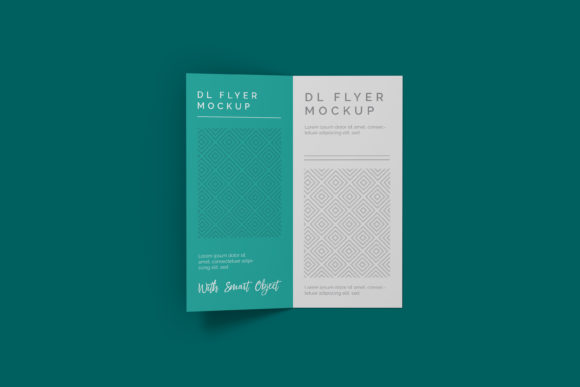
The personality of this mockup is one of understated professionalism. It does not distract with flashy colors or complex textures; instead, it provides a stable foundation that highlights the hierarchy and composition of your flyer. For brand strategists and creative directors, this neutrality is crucial. It allows the viewer to focus entirely on the typography, color palette, and imagery of the project being presented. The included changeable background-color feature further enhances this flexibility, enabling you to match the presentation to specific brand identities or seasonal themes.
This level of detail supports various applications, from logo design portfolios to comprehensive brand identity packages. When showcasing a new packaging design concept or a series of social media graphics, having a consistent, high-quality presentation tool like Flyer Mockup V3 helps maintain a cohesive narrative across all touchpoints. The realistic shadows and lighting effects simulate how a printed flyer would look in the real world, providing potential clients with a clearer understanding of the final output.
Efficiency Through Smart-Object Technology
For busy creatives, time is a finite resource. Flyer Mockup V3 addresses this constraint by leveraging advanced smart-object features native to Adobe Photoshop. This technology eliminates the need for manual layer manipulation or complex masking techniques. To update the design, you simply double-click the smart-object thumbnail, make your edits in the linked document, save, and watch the changes reflect instantly on the 3D surface.
This ease of use makes the mockup suitable for a wide range of users, from seasoned graphic designers to hobbyists and small business owners who may have limited technical expertise. The included PDF help guide ensures that even those unfamiliar with smart objects can navigate the file with confidence. This accessibility broadens the utility of the asset, making it a valuable addition to any library of design assets.
The practical benefit here is speed. You can quickly iterate through multiple design variations to present options to clients or stakeholders. This rapid prototyping capability is particularly useful in web design contexts where landing page flyers or promotional banners need to be reviewed frequently. By reducing the friction between design and presentation, you can spend more time refining the creative work and less time wrestling with software mechanics.
Strategic Applications Across Industries
The versatility of Flyer Mockup V3 extends across numerous creative disciplines. Its structure supports both serif font and sans serif font layouts, making it appropriate for traditional publishing houses as well as modern tech startups. Here is how different professionals can leverage this tool:
- Marketing Agencies: Use the mockup to pitch campaign concepts. The realistic 3D display adds weight to proposals, helping agencies justify their fees by demonstrating a clear vision of the end product.
- Publishers and Bloggers: Showcase eBook covers, newsletter headers, or event flyers. The high resolution ensures that text remains legible, which is vital for editorial design projects where readability is paramount.
- Crafters and Hobbyists: For those selling handmade goods or custom prints, this mockup provides a professional storefront appearance. It elevates simple creations into premium products, enhancing perceived value.
- Entrepreneurs: Small business owners can create compelling promotional materials for local events or grand openings. The easy-to-use interface allows them to produce marketing collateral that rivals larger competitors.
In each scenario, the goal is to influence audience engagement through visual clarity. A well-presented flyer communicates competence and attention to detail. When a client sees a design rendered in a realistic environment, they can better visualize its placement in the real world, whether that be on a bulletin board, held in hand, or viewed on a mobile device.
Evaluating Fit and Best Practices
Before integrating Flyer Mockup V3 into your workflow, it is important to evaluate how it fits your specific project needs. Consider the aspect ratio and dimensions of your original design to ensure it aligns perfectly with the mockup’s template. While the mockup is highly adaptable, starting with a design that matches the intended proportions will yield the most natural result.
When selecting your design to place inside the smart object, pay close attention to contrast and color balance. Since the mockup features realistic lighting and shadows, designs with extreme lightness or darkness may interact differently with the simulated environment. Testing your design against the changeable background colors can help you determine the optimal setting for maximum impact.
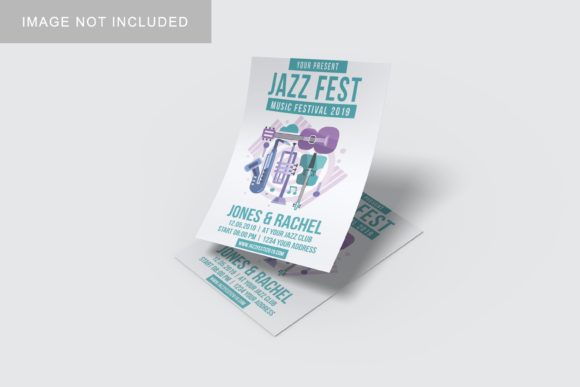
Furthermore, remember that the photos used in preview images are for illustration purposes only. Your actual output will depend on the quality of the design you insert. Treat Flyer Mockup V3 as a canvas, not a creator. The power of the presentation comes from the synergy between the realistic frame and the strength of your underlying creative work. By combining a premium font choice, thoughtful font pairing, and a polished layout, you can create presentations that stand out in crowded inboxes and competitive markets.
Ultimately, Flyer Mockup V3 is more than just a file; it is a communication tool. It speaks the language of professionalism and readiness. By adopting this resource, you signal to your audience that you care about the details, from the kerning of your letters to the way your work looks in the real world. In an era where first impressions are digital, ensuring your designs look their best is not just an aesthetic choice—it is a strategic necessity.