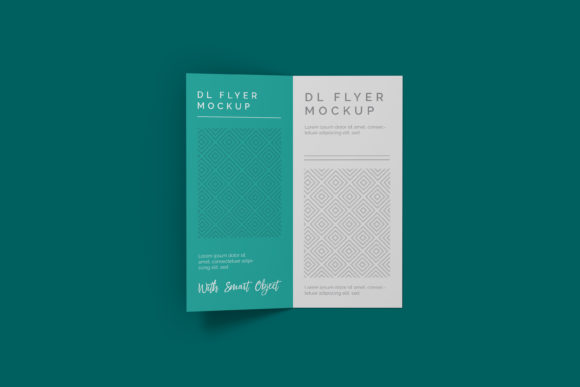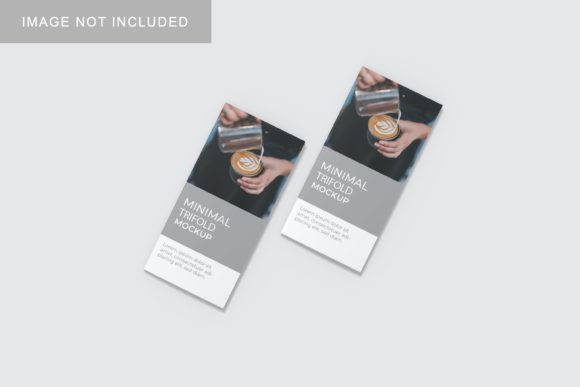
Minimal Trifold Mockup V1
In the modern digital landscape, presenting a design is rarely just about the visual assets themselves; it is about context, realism, and professional polish. Whether you are pitching a brand identity to a client, showcasing portfolio work to potential employers, or preparing marketing materials for a small business launch, the way your design is displayed can significantly influence perception. This is where Minimal Trifold Mockup V1 becomes an essential tool in your creative workflow. It bridges the gap between a flat digital file and a tangible, realistic product representation, allowing designers and marketers to communicate their vision with clarity and impact.
The Role of Realistic Presentation in Design Workflows
Before diving into the technical specifics of the mockup, it is crucial to understand why realistic presentation matters in the broader process of design and marketing. When stakeholders review a concept, they often struggle to visualize how a flat graphic will translate into physical media. A trifold brochure, for instance, involves complex folding patterns, spatial relationships, and material considerations that are difficult to convey through a simple JPEG or PDF alone.
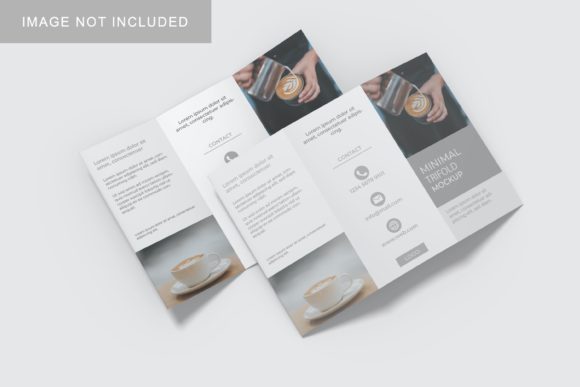
Minimal Trifold Mockup V1 addresses this cognitive gap by providing a 3D-like display that mimics real-world conditions. By using this asset, professionals can simulate how a brochure will look on a desk, in a hand, or in a retail environment. This not only aids in internal quality control but also enhances client confidence. When a client sees their design rendered realistically, they can better evaluate typography hierarchy, color accuracy, and layout balance, leading to fewer revisions and a smoother approval process.
Technical Specifications and Compatibility
For the mockup to be effective, it must integrate seamlessly into existing software ecosystems. Minimal Trifold Mockup V1 is delivered in PSD (Photoshop) format, ensuring compatibility with the industry-standard Adobe Creative Cloud suite. The file is structured at a high resolution of 3000x2000 pixels with a density of 300 dpi. These specifications are critical for print-ready outputs and high-resolution web displays, ensuring that every detail remains crisp whether viewed on a 4K monitor or printed as a proof.
The core functionality of this mockup relies on smart-object technology. Smart objects are non-destructive layers in Photoshop that allow users to embed raster or vector data within a layer. This means you can replace the content of the mockup without altering its lighting, shadows, or perspective. For freelancers and agencies managing multiple projects, this efficiency is invaluable. Instead of manually recreating shadows and folds for each new design iteration, you can swap out the artwork in seconds, maintaining consistency across your presentation deck.
Key Features for Efficient Implementation
- Smart-Object Integration: Replace designs instantly by double-clicking the smart object layer, editing your artwork, and saving. The mockup updates automatically.
- Customizable Backgrounds: The ability to change background colors allows for versatile presentations. You can match the mockup to your brand’s color palette or create contrasting backgrounds to make the brochure pop.
- High-Resolution Output: At 3000x2000 px and 300 dpi, the file supports both digital sharing and high-quality printing for physical portfolios.
- User-Friendly Guide: A PDF help guide is included to assist users who may be less familiar with advanced Photoshop features, ensuring a low barrier to entry.
Integrating Minimal Trifold Mockup V1 into Your Process
Implementing this mockup into your workflow requires a shift from viewing design as a static output to viewing it as a dynamic presentation asset. Here is how Minimal Trifold Mockup V1 fits into various stages of a project lifecycle.
Pre-Production: Concept Validation
During the early stages of a project, designers often explore multiple layout concepts. Using the mockup at this stage helps validate the visual weight of the design. Does the fold line disrupt important text? Is the spine area utilized effectively? By placing preliminary drafts into the mockup, you can identify structural issues before committing to final production files. This proactive approach reduces the risk of costly errors during the printing phase.
Mid-Production: Client Presentations
When presenting to clients, context is king. A flat image of a brochure can feel abstract and disconnected. By using Minimal Trifold Mockup V1, you provide a tangible reference point. This is particularly useful for educators and trainers who need to demonstrate practical applications of design principles. The realistic 3D display helps non-designers understand the spatial dynamics of a trifold, making feedback more constructive and specific. Furthermore, the ease of swapping designs means you can present multiple variations quickly, allowing clients to compare options side-by-side in a realistic setting.
Post-Production: Portfolio and Marketing
After the project is complete, the mockup serves as a powerful asset for portfolio building and social media marketing. High-quality mockups enhance the perceived value of your work. For small business owners and entrepreneurs, these visuals can be used in email campaigns, website galleries, and pitch decks. The clean, minimal aesthetic of the mockup ensures that the focus remains on the design itself, rather than being distracted by overly ornate props or cluttered scenes.
Best Practices for Workflow Optimization
To get the most out of Minimal Trifold Mockup V1, consider the following practical tips for organization and efficiency.
- Layer Management: Keep your smart-object layers clearly named. If you are working on a team, clear labeling prevents confusion when multiple people access the file.
- Asset Preparation: Ensure your source designs are sized correctly before embedding them into the smart object. Working within the constraints of the mockup’s dimensions prevents distortion and maintains aspect ratios.
- Background Consistency: If you are creating a series of presentations, standardize your background colors. This creates a cohesive visual narrative across all your deliverables, reinforcing brand identity.
- Version Control: Save incremental versions of your mockup files. As you experiment with different backgrounds and designs, having a backup of previous states allows you to revert if necessary.
Considerations for Long-Term Use
While Minimal Trifold Mockup V1 is designed for immediate usability, its long-term value depends on how well it integrates into your broader resource library. For productivity-minded users, storing these mockups in a dedicated template folder with consistent naming conventions can save significant time in future projects. Additionally, because the mockup uses standard Photoshop features, it remains compatible with future software updates, ensuring longevity.
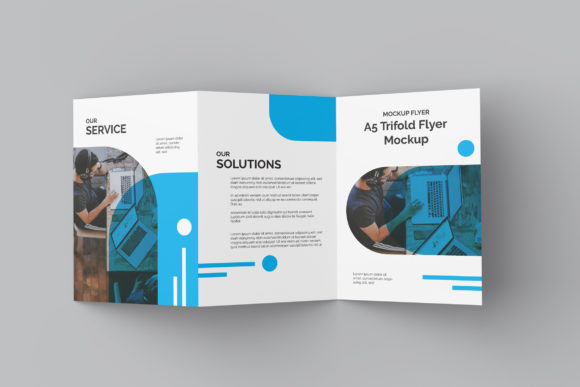
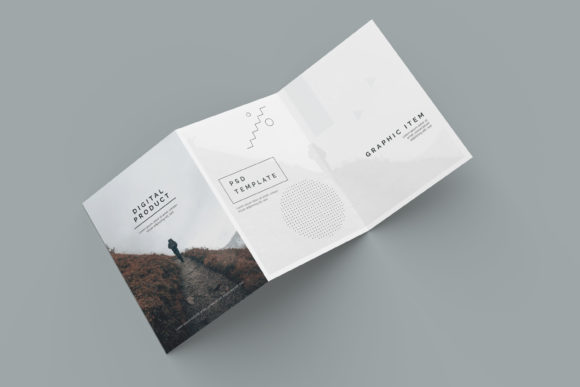
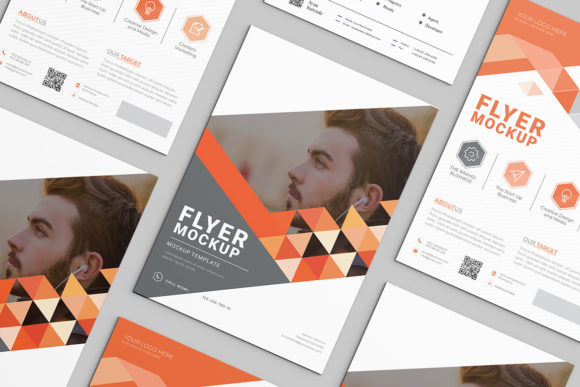
It is also important to note that the photos used in the preview images are for illustration purposes only and are not included in the download. This encourages users to customize the mockup to fit their specific needs, whether that involves adding personal photography, custom textures, or branded elements. This flexibility transforms the mockup from a static template into a dynamic tool that evolves with your creative practice.
Conclusion
In a competitive market, the difference between a good design and a great presentation often lies in the details. Minimal Trifold Mockup V1 offers a streamlined, efficient solution for showcasing trifold brochures in a realistic, professional manner. By leveraging smart-object technology and high-resolution standards, it empowers designers, marketers, and entrepreneurs to present their work with confidence and clarity. Integrating this tool into your workflow not only saves time but also elevates the overall quality of your client interactions and portfolio presentations. Whether you are a seasoned professional or a hobbyist looking to refine your output, this mockup provides the practical foundation needed to bring your designs to life.